

Navigating the world of stock photography can be challenging especially when working with a tight budget. That’s why we’re excited to explore Shutterstock Free – a game-changing feature that brings professional-grade visual content within everyone’s reach.
We understand that quality visuals are essential for creating compelling content but not everyone can afford premium subscriptions. Shutterstock Free opens up new possibilities for creators bloggers and small business owners by offering a selection of high-quality images videos and music tracks at no cost. While it may not replace Shutterstock’s premium offerings it’s a valuable resource that deserves our attention.
What Is Shutterstock Free?
Shutterstock Free is a dedicated platform offering complimentary access to a curated collection of premium stock media assets. This service enables users to download select high-quality content without a paid subscription.
Key Features and Benefits
- Zero-cost downloads of select premium content
- Full commercial licensing rights for downloaded assets
- Unrestricted usage across digital marketing platforms
- Monthly content updates with fresh selections
- Direct integration with Shutterstock Editor
- No watermarks on downloaded media
- Simple registration process with email verification
- Images: High-resolution photographs spanning categories like nature business lifestyle
- Videos: HD video clips for commercial multimedia projects
- Music: Royalty-free music tracks for content creation
- Sound Effects: Audio elements for multimedia productions
- Vectors: Scalable graphics for print digital media
- Illustrations: Digital artwork for creative projects
- Templates: Pre-designed layouts for marketing materials
| Content Type | Format Options | Resolution/Quality |
|---|---|---|
| Images | JPG PNG | Up to 4K |
| Videos | MP4 MOV | HD 1080p |
| Music | MP3 WAV | 320 kbps |
| Vectors | AI EPS SVG | Scalable |
How to Access Shutterstock Free

Accessing Shutterstock Free involves a straightforward process that starts with account creation. The platform provides intuitive navigation tools to browse through its collection of complimentary assets.
Creating Your Account
- Visit the Shutterstock website
- Click the “Sign Up” button in the top-right corner
- Select “Create Account” for a free membership
- Enter your email address
- Create a secure password
- Verify your email address through the confirmation link
- Complete your profile information
- Use the top navigation bar to filter content types (images, videos, music)
- Apply specific filters for orientation, resolution, or file type
- Browse curated collections through the “Featured” tab
- Sort results by relevance, popularity, or newest additions
- Click the download icon to save desired assets
- Access downloaded items in “My Downloads” section
| Asset Type | Available Formats | Maximum Resolution |
|---|---|---|
| Images | JPG, PNG | 4K (3840×2160) |
| Videos | MP4 | HD 1080p |
| Music | MP3, WAV | 320 kbps |
Limitations of Shutterstock Free

Shutterstock Free comes with specific constraints that differentiate it from premium subscriptions. These limitations affect both content availability and usage permissions.
Usage Restrictions
- Downloaded assets require attribution when used on digital platforms
- Commercial usage limits apply to certain high-value content categories
- Downloads cap at 10 assets per month per user account
- Image resolution maxes out at 4K quality with no option for larger sizes
- Video downloads restrict to 1080p HD format
- Free account holders can’t access premium features in Shutterstock Editor
- Asset modifications must comply with Shutterstock’s standard license terms
- Free library contains 20,000 assets compared to 400+ million in premium
- Monthly content updates limited to 100-200 new assets
- Fewer options in specialized categories like aerial footage or 3D renders
- Popular images often unavailable in the free collection
- Curated collections refresh quarterly rather than weekly
- Exclusive content remains restricted to premium subscribers
- Vector files offer basic designs with limited customization options
The reduced selection aims to showcase Shutterstock’s quality while maintaining value for premium subscribers. Each free asset undergoes careful curation to ensure professional standards despite limitations.
Best Ways to Use Shutterstock Free
Shutterstock Free offers diverse applications for both personal and commercial projects. The platform’s curated collection enables users to maximize free assets within specific usage scenarios.
Personal Projects
- Create engaging social media posts with high-resolution images across platforms like Instagram Facebook
- Design eye-catching blog post headers incorporating free stock photos vectors
- Develop presentation slides using professional visuals backgrounds
- Enhance personal website content with quality photographs illustrations
- Craft digital artwork by combining multiple free stock images
- Add background music to personal video projects using royalty-free tracks
- Design custom wallpapers screensavers from landscape photography
- Incorporate free stock photos into email marketing campaigns
- Design promotional materials for small business advertising
- Create social media content for business profiles company pages
- Develop visually appealing website headers banners
- Produce video content for YouTube channels business presentations
- Design digital marketing assets for online advertising
- Style e-commerce product photography backgrounds
- Create professional business presentations with stock imagery
- Enhance corporate newsletters with relevant visuals
- Design branded social media templates using stock photos
Each downloaded asset requires proper attribution in commercial applications, maintaining a balance between free usage professional presentation. The 10-asset monthly limit encourages strategic selection based on specific project requirements business objectives.
Alternatives to Shutterstock Free
Alternative platforms provide diverse options for accessing stock media content with varying features, limitations, and pricing models. Here’s a comprehensive overview of available alternatives to Shutterstock Free.
Other Free Stock Photo Sites
- Unsplash: Offers 3+ million high-resolution photos with unlimited downloads and no attribution required
- Pexels: Features curated collections of photos and videos, supporting direct downloads in multiple resolutions
- Pixabay: Provides 2.3 million royalty-free images, videos, and music tracks with a simple licensing model
- Creative Commons Search: Aggregates content from multiple platforms, including Flickr and Wikimedia Commons
- Canva Free Photos: Integrates directly with the design platform, offering 1+ million free-to-use images
- StockSnap.io: Updates its library daily with hundreds of high-resolution photos
- Freepik: Specializes in vectors, PSDs, and icons with attribution-based free downloads
| Feature | Paid Stock Sites | Free Stock Sites |
|---|---|---|
| Library Size | 100M+ assets | 1-5M assets |
| Monthly Cost | $29-299 | $0 |
| Download Limits | 10-750/month | Unlimited |
| Exclusive Content | Yes | No |
| Commercial License | Comprehensive | Basic |
| Image Quality | Premium | Standard to High |
- Premium Alternatives:
- Adobe Stock: Integrates with Creative Cloud apps, offers 10 free images with trial
- iStock: Provides curated collections with exclusive content
- Getty Images: Features premium editorial and commercial imagery
- Depositphotos: Offers flexible subscription plans with monthly downloads
- Hybrid Options:
- Canva Pro: Combines design tools with premium stock photos
- Envato Elements: Includes templates, fonts, and stock media in one subscription
Conclusion
We believe Shutterstock Free stands as a valuable resource for creators working within budget constraints. While it has limitations compared to premium subscriptions the platform delivers professionally curated content that meets high-quality standards.
The combination of zero-cost downloads commercial licensing rights and versatile content types makes it an attractive starting point for many digital projects. Whether you’re a blogger small business owner or content creator Shutterstock Free can help bring your creative vision to life without breaking the bank.
Remember to consider your specific needs and usage requirements when deciding if Shutterstock Free aligns with your goals. It’s worth exploring alongside other available options to build a comprehensive content strategy that serves your creative purposes.


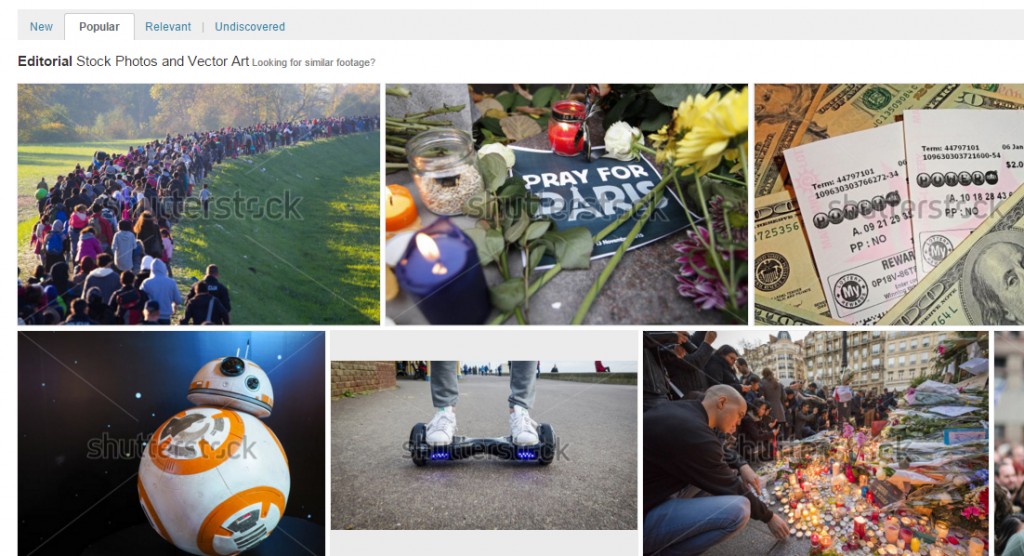
 Making your holiday dollars stretch is no easy task. Whenever the holidays are around, it always seems like it’s a chore to really cram as much value as you can into each dollar. Shutterstock understands this, so they made some changes to their marketing this year. But first, who is Shutterstock?
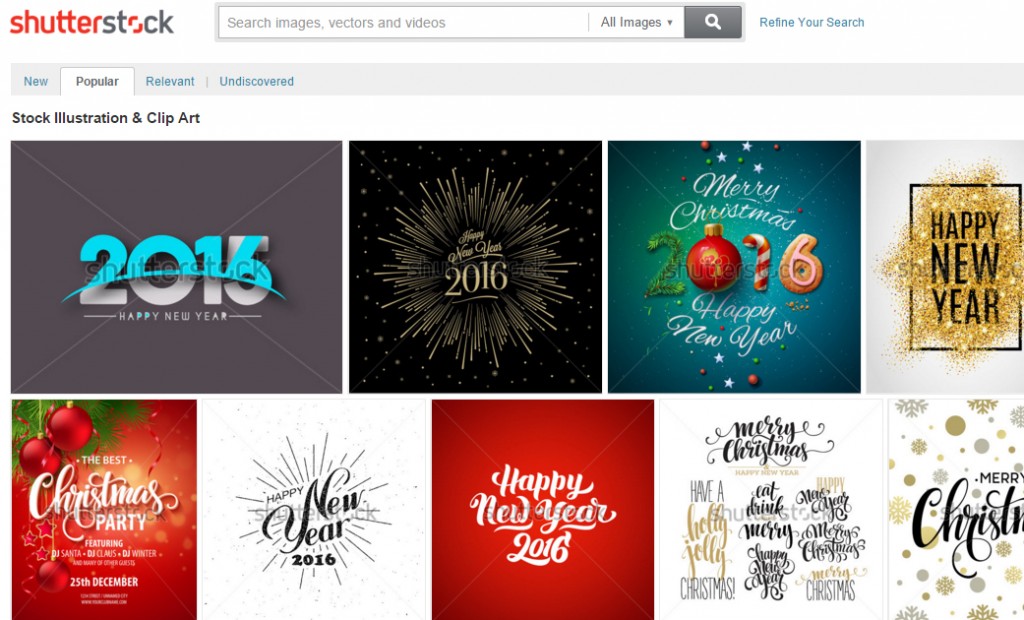 When Shutterstock offers you the two free files, it comes attached with a royalty-free license. Royalty-free licenses do not mean free of cost. People still pay for these images. Royalty-free means that every time you choose to use the image, you don’t need to pay a royalty. In other words, once it is tied to your account, it will always be tied to your account and you will be able to use it how or when you wish, free of charge.